HobbyGOAT
HobbyEagle A3 Pro V2 6-Axis Gyro Flight Controller for Fixed-Wing Model Airplanes
HobbyEagle A3 Pro V2 6-Axis Gyro Flight Controller for Fixed-Wing Model Airplanes
Couldn't load pickup availability
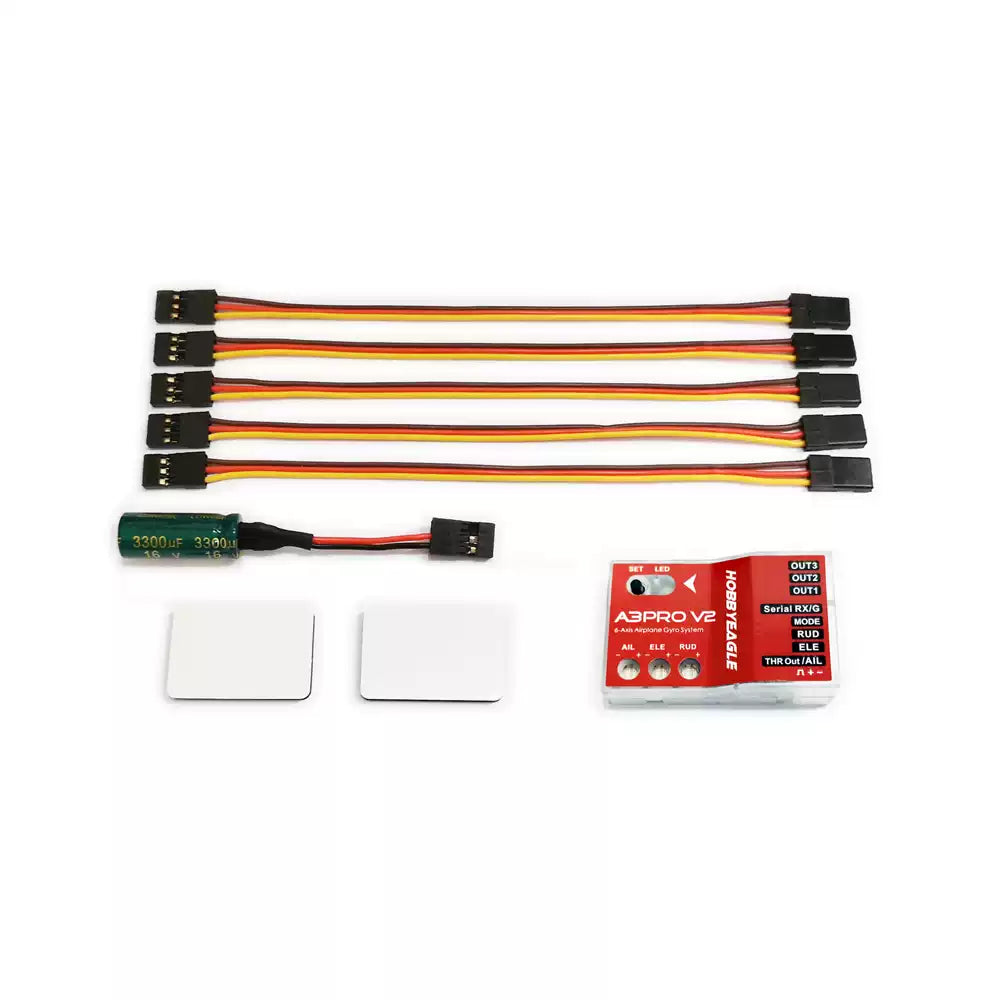
The new A3 Pro V2 is a high-performance and functional 6-axis gyro and stabilizer designed for R/C airplanes. With the advantage of multi-protocol serial receivers support, it allows you to simplify the connetcion of the receiver.
Features
- 32-bit MCU, high-precision 6-axis MEMS sensor, improved hardware platform and new firmware solution provide more reliable performance.
- PWM, PPM and multi-protocol serial digital receiver supported.
- 6 flight modes, including GYRO OFF mode, NORMAL mode, LOCK mode, ANGLE mode, LEVEL mode and HOVER mode.
- 3 wing types: standard fixed-wing, delta-wing(flying-wing), v-tail.
- Throttle output channel provided for single-line receivers.
- Separated basic gain adjustment for Aileron, Elevator and Rudder.
- Remote master gain supported.
- * Firmware upgradable.
Serial Receiver Protocols Supported
- PPM Receiver
- Generic SBus, compatible with Futaba, WFLY WBus, FrSky, FlySky, TBS, ELRS, JETI, etc.
- Spektrum DSM2/X 1024 Remote Receiver
- Spektrum DSM2/X 2048 Remote Receiver
- Spektrum SRXL
- Multiplex SRXL / JR XBUS Mode B
- Graupner SUMD
- FlySky iBUS
- JETI EXBus ①
- TBS/ELRS CRSF ②
① ② EXBus and CRSF are newly added in F/W V2.2. * An optional data cable is required for firmware update.
Flight Modes
A3 Pro V2 provides 6 flight modes which can be switched by a 3-position switch of the transmitter during flight. The factory default mode allocation of the switch is OFF - NORMAL - LEVEL. You can change the settings in the Setup Menu according to your needs. The color of the LED shows the current flight mode of the gyro while in use, as shown below.
| LED Colors | Descriptions | Flight Modes |
|---|---|---|
 |
Solid Red | GYRO OFF Mode |
 |
Solid Blue | NORMAL Mode |
 |
Blue, Flashing | LOCK Mode |
 |
Solid Violet | ANGLE Mode |
 |
Violet, Flashing | LEVEL Mode |
 |
Violet, Fast Flashing | HOVER Mode |
GYRO OFF MODE
When operating in GYRO OFF mode the gyro will be deactivated completely, and the airplane will be completely under the control of your transmitter as it was before installing the gyro. This mode is usually used for testing purpose only.
NORMAL MODE
The NORMAL mode, also known as the 'Rate mode', is the most basic function of the gyro. It works based on the rotation rate control of each axis of the airplane. When operating in this mode, the gyro will only correct currently occurring rotational movements, a momentary reaction will be applied to the servos when the airplane rotating on corresponding axis, after rotation the servos will move back to their neutral position as soon as the airplane standing still immediately. The NORMAL mode can effectively improve the stability and precision of the airplane and reduce the stall point.
LOCK MODE
The LOCK mode is also known as the 'Attitude Lock mode', '3D mode' or 'AVCS mode'. Different from NORMAL mode, the gyro will perform a permanent correction for rotational movements on each axis constantly. That is when you release the sticks the airplane will stop and lock its current position immediately. This mode is well suited for practicing basic 3D maneuvers such as hovering or knife edge. Since it can help you to lock the attitude of the airplane, it is also helpful for landing.
ANGLE MODE (Former Trainer Mode)
The ANGLE mode, also known as the 'Trainer mode' or 'Attitude mode', will limit the maximum angle of the airplane on both roll and pitch axes. Roll and loop are not allowed in this mode, the airplane will be stabilized all the time, independent of any stick input. This prevents the airplane from being tilted into a larger angle that may cause a danger. As soon as the sticks are released, the airplane will be brought back to horizontal position automatically. You can use this mode as emergency rescue, or in other applications, e.g., to have a training for new beginners. The maximum allowed angle can be set in the Setup Menu. In addition, changing the stick rate can also affect the max tilt angle.
LEVEL MODE
The LEVEL mode is also known as the 'Auto-Level mode', 'Auto-Balance mode' or 'Horizon mode'. When operating in this mode, the airplane will be brought to horizontal position automatically when releasing the sticks. Different from the ANGLE mode, there is no maximum angle limitation in this mode and the airplane will be stabilized only when there is no specific control input from aileron and elevator sticks. This mode can be used if the pilot becomes disoriented and would like to save the airplane from crashing.
HOVER MODE
The HOVER mode, also known as the 'Auto-Hover mode', provides the same functionality as the LEVEL mode. The only difference is that when you release the sticks, the airplane will be brought to vertical position (nose up) and keeps hovering. This mode is designed to help you to learn hovering maneuver and reduce the probability of crashing.